
Elegant Digital Invitations for Modern CelebrationsWeddings
Your invitation is the first impression of your big day. Make it unforgettable.
Design, share, celebrate — effortlessly.




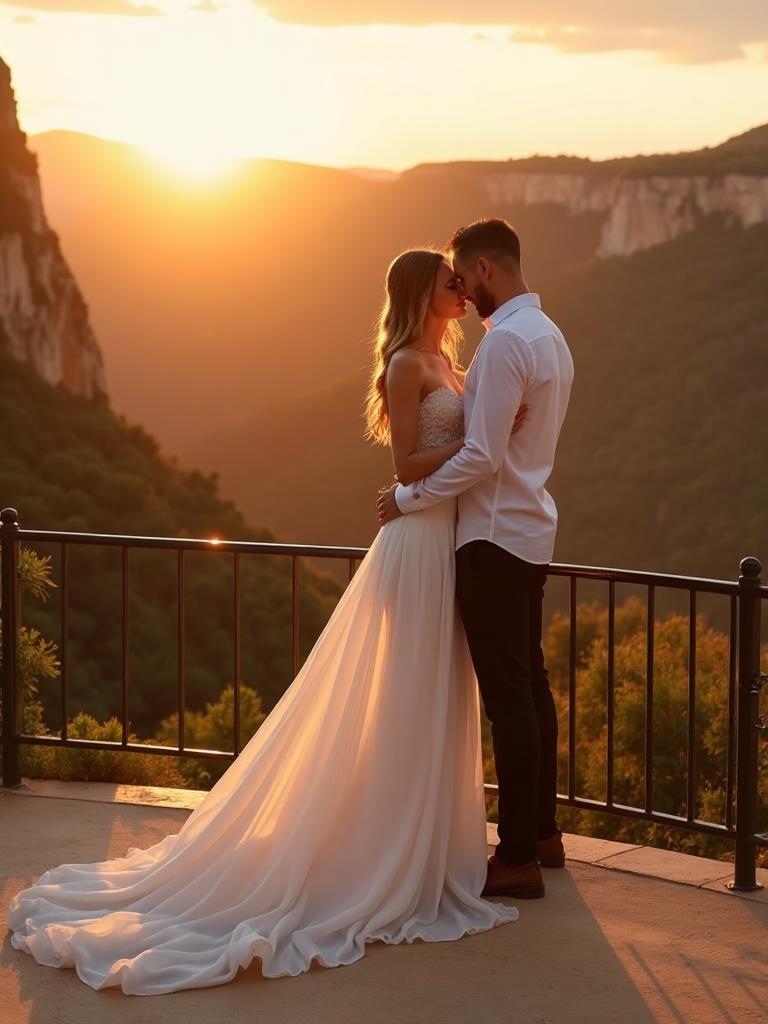
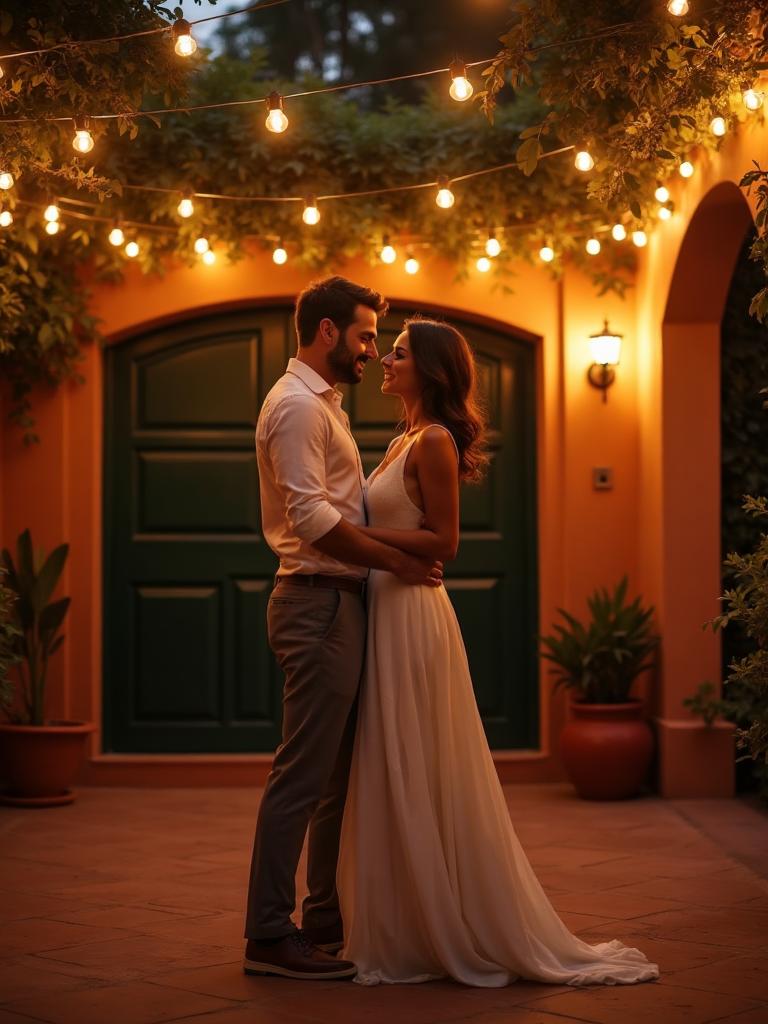

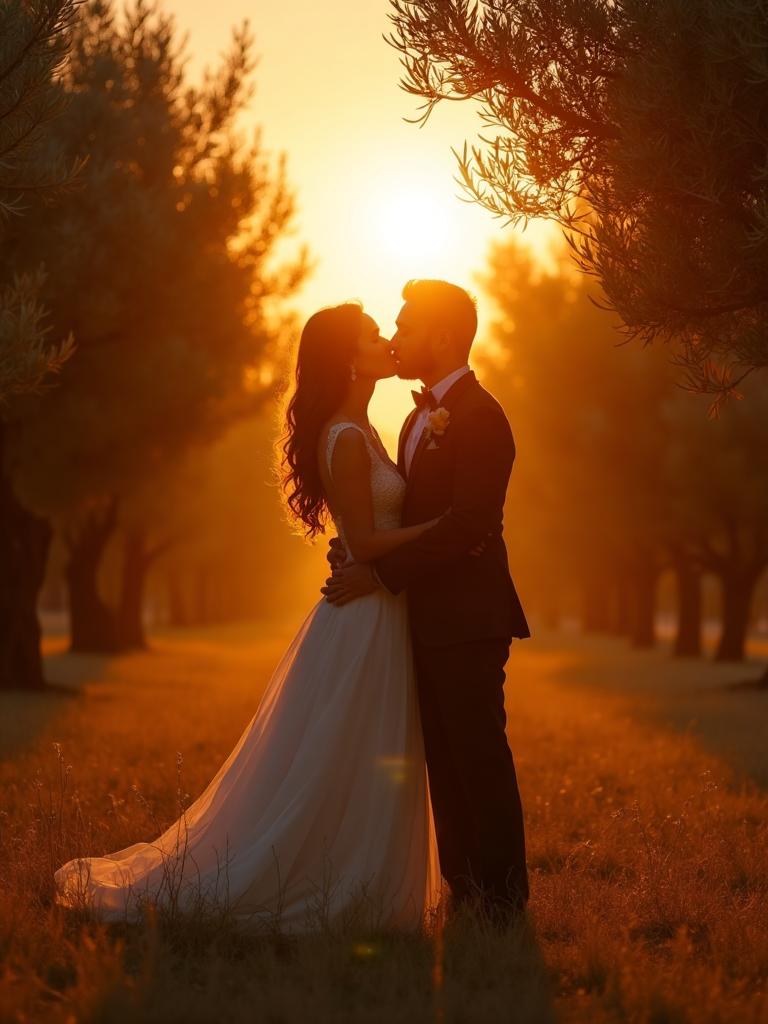
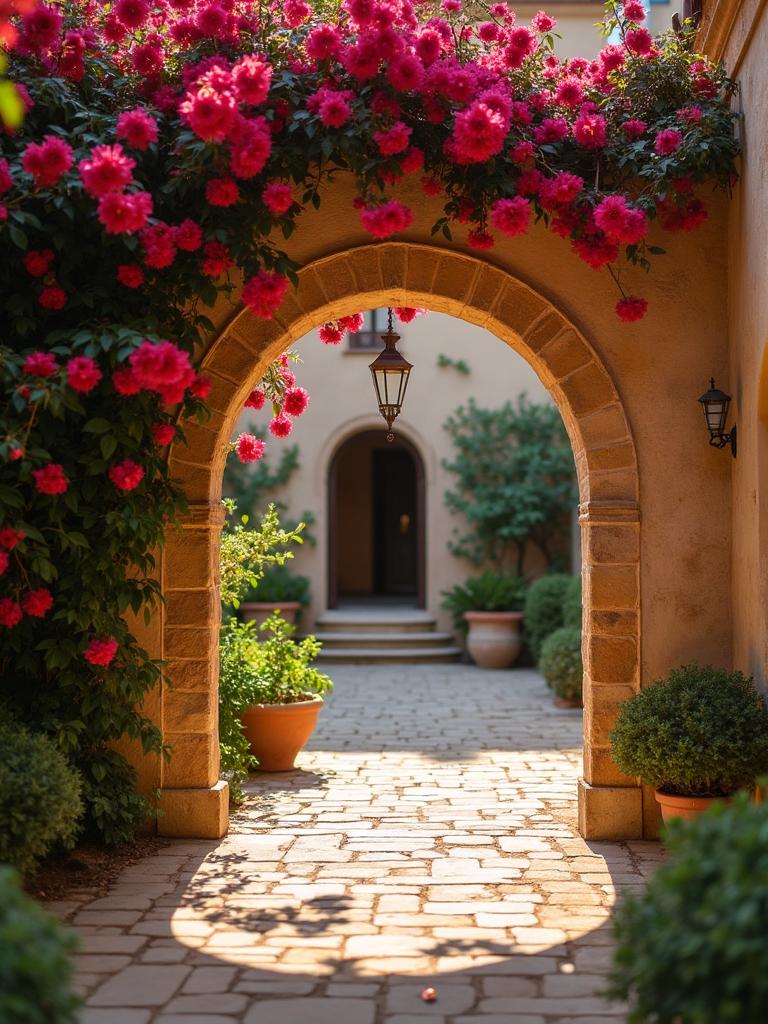
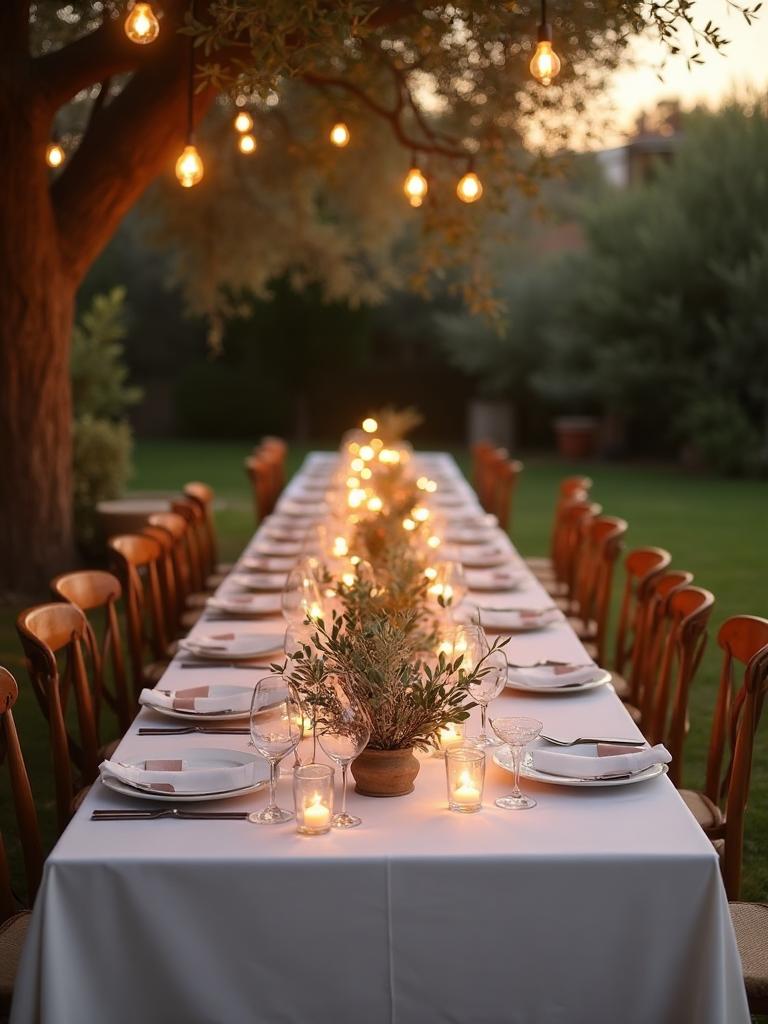


How It Works
Create your perfect wedding invitation in four simple steps
Choose your theme
Browse our collection and find the perfect design for your wedding.
Contact us
Tell us about your day — we collect everything needed to build your invitation.
We design it for you
We craft your event page, RSVP links, and dashboard — refined until it feels right.
Share it in a tap
Send each guest their personal link. Track responses and photos from your dashboard.
Paper Invitation vs Digital Invitation
See how much you can save with digital invitations while getting more features
*** WEDDING COSTS ***
NO TRACKING / NO RSVP
THANK YOU FOR YOUR MONEY!
Digital Invitation
Save +500€- Export guest list to Excel
- Multi-language support
- Optional live photo gallery
Custom pricing
Contact us
Our collection
Choose your style,
make it unique
Beautiful templates crafted for every taste — hover to preview the experience

Classic

Premium

Bloom

Pure

Sweet Love
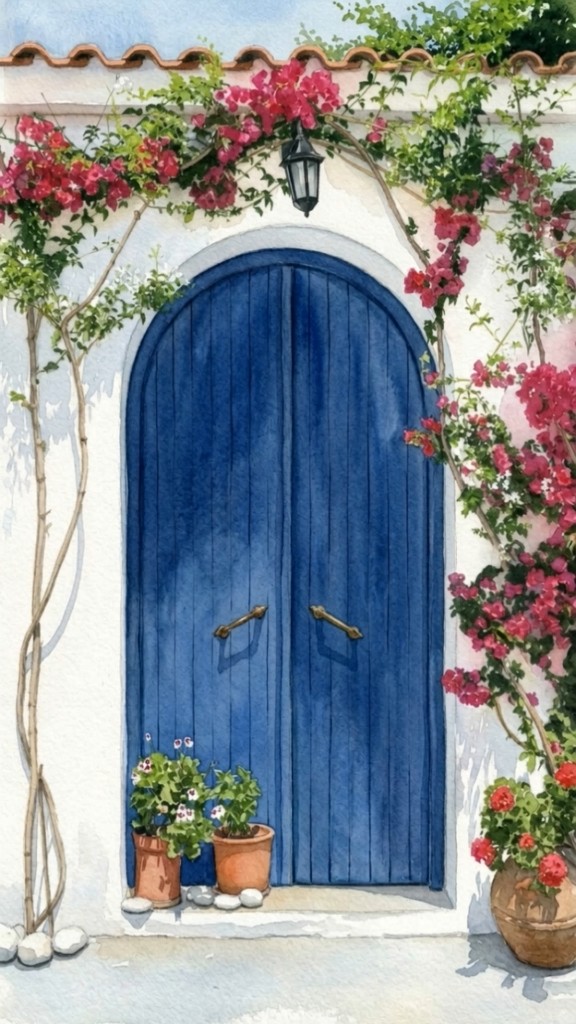
Mediterranean

Midnight Vows

Golden Hour
Your Private Admin Panel
Track every RSVP in real time — no spreadsheets, no guesswork
See confirmed, pending, and declined guests at a glance
Export your full guest list whenever you need it
Manage RSVPs and optional photo uploads from one place
Guest List
International Weddings?
We've Got You Covered
Multiple languages with seamless switching for guests worldwide
Multi-language pages
Each invitation can be presented in the languages your guests speak.
Easy switching
Guests switch languages with a single tap — no confusion, no friction.
Built for everyone
English, Albanian, Macedonian, German — and more on request.
Simple, Transparent Pricing
Tailored packages for every celebration. Reach out and we'll find the right fit.
Essential
A beautiful digital invitation with RSVP — perfect for intimate celebrations.
- Custom event page
- Personal RSVP links
- Guest dashboard
- Shareable link
- Email support
Complete
Everything you need for a seamless guest experience, from invite to gallery.
- Everything in Essential
- Live photo gallery
- QR code for uploads
- Multi-language support
- Priority setup
- Unlimited guest list
Premium
For couples who want something truly bespoke — custom design and white-glove support.
- Everything in Complete
- Fully custom design
- Background music
- Dedicated support
- Revisions until perfect
- Extended gallery access
Loved by Couples Worldwide
Join happy couples who chose digital invitations with momento
North Macedonia
Our guests loved the invitation — it felt so personal and elegant. RSVPs came in within days and we didn't chase anyone on WhatsApp.
Italy
The live gallery was the highlight. Everyone uploaded photos during the reception and we had memories waiting for us the next morning.
Germany
We had guests from three countries — the multilingual page made everything effortless. Highly recommend for quality and care.
Partner With Us
Wedding planners and venues — offer beautiful digital invitations under your brand
White-label solutions
Offer digital invitations to your clients as part of your wedding package.
Custom themes
We can create exclusive designs that match your studio or venue aesthetic.
Dedicated support
Priority onboarding and a direct line for your team on every event.
Have a Question?
We'd love to hear from you. Reach out anytime!
How do I get started?+
Contact us with your wedding date and what you're looking for. We'll set up your account and create your invitation page.
Do guests need to create an account?+
No — guests simply open their personal link, RSVP, and optionally upload photos. No apps, no sign-up.
How will I know who's coming?+
All replies land in your private dashboard. You see confirmations as they happen and can export the full guest list anytime.
Can I update details after launch?+
Yes — names, dates, schedules, and wording can be updated whenever you need, even close to the wedding day.
What about the live photo gallery?+
Optional and easy to turn on. Guests upload via a simple page or QR code — no login required.
What languages are supported?+
English, Albanian, Macedonian, and German out of the box. Ask us if you need additional languages.
Ready to get started?
Email us and we'll walk you through the process — no commitment required.
Message us on WhatsApp